
Fantasy Gems Deposit: Methods, Steps and Safety Guide
A Fantasy Gems deposit adds money to the gaming account balance. The available methods, limits, fees, and processing steps can change, so the account wallet should be treated as the current source of payment instructions.
Depositing creates the possibility of losing real money. Winning is not guaranteed, and earlier wins do not improve the certainty of future results.

Varies by Method
Fee
Not Always
Reversible
Small Amount
Start
Oct 2026
Reviewed
Before You Send Any Money
Several third-party pages mention JazzCash, Easypaisa, bank transfer, and local payment gateways. These claims should be checked inside the current Fantasy Gems account before money is sent.
Never send money to a number received only through a social-media comment, personal message, or unverified agent.
What to Check Before Depositing
- Recipient wallet or bank details
- Recipient name
- Minimum deposit
- Maximum deposit
- Deposit fee
- Expected balance-update process
- Required transaction reference
- Bonus activation
- Account-name matching
- Refund or reversal policy
- Support channel
Use an amount you can afford to lose. Real-money gaming should not be funded with borrowed money or essential household funds.
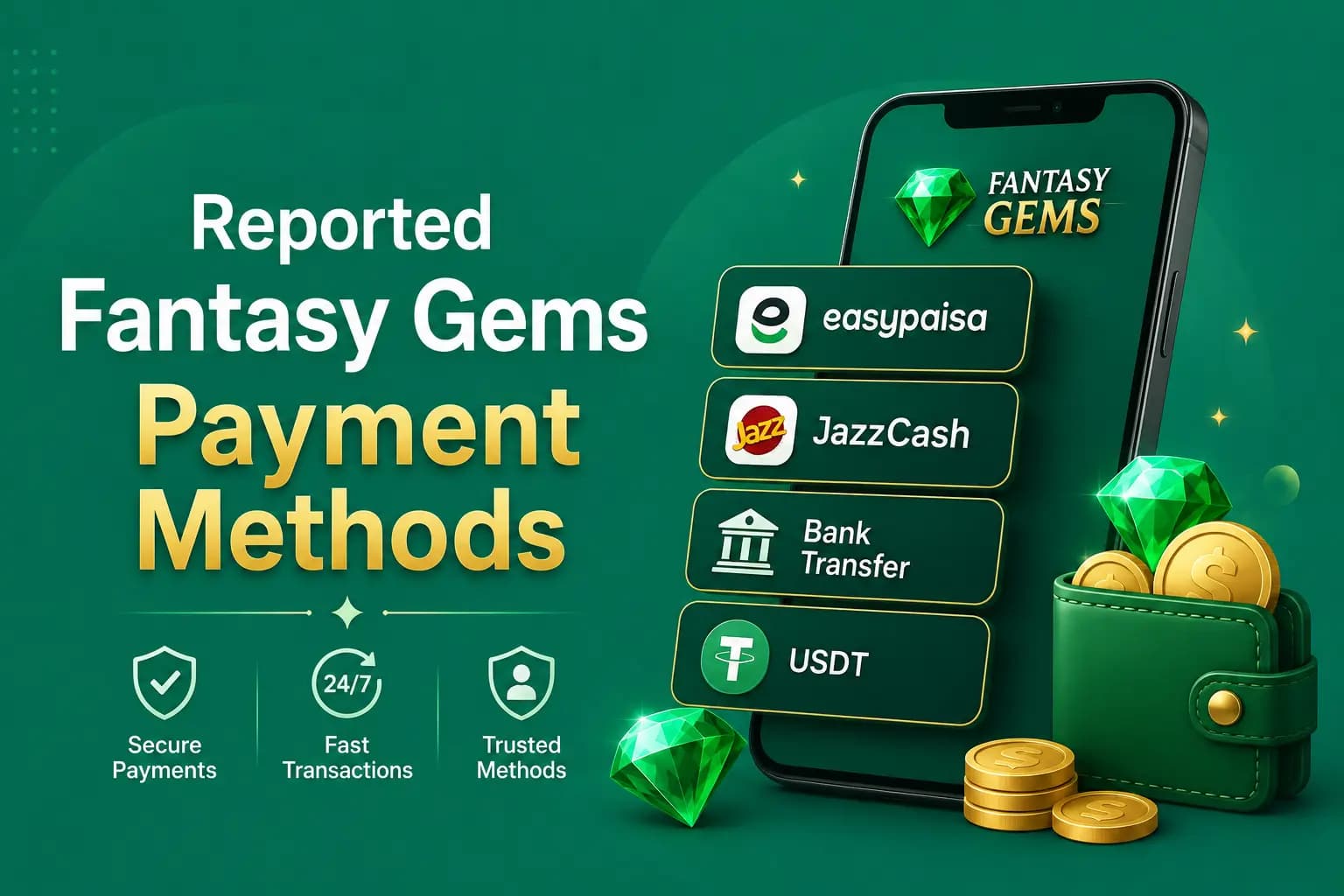
Reported Fantasy Gems Payment Methods
The following methods are commonly mentioned by third-party gaming pages, but their availability is not guaranteed.
JazzCash
A deposit screen may display a JazzCash number, merchant account, payment request, or gateway.
- The number is displayed inside the verified account.
- The recipient name is expected.
- The amount is entered correctly.
- The transaction ID is saved.
- No wallet PIN or OTP is shared.
Easypaisa
The process may involve a wallet transfer, merchant payment, or payment gateway. Do not send money merely because an agent claims the number is official — compare the details with the deposit screen.
Bank Transfer
A bank deposit may require a bank name, account title, account number or IBAN, and exact payment reference. Confirm whether payments from another person's bank account are accepted.
Other Wallets or Digital Assets
Some third-party pages mention online wallets or USDT. Availability, network, wallet address, fees, and minimum amount must be verified directly. A digital-asset transfer may be irreversible — sending to the wrong network or address can permanently lose the funds.
Fantasy Gems JazzCash Deposit vs Easypaisa vs Bank Transfer
A general comparison of how these methods usually work in apps of this kind. Whether each one is offered, and its limits, is shown on the deposit screen.
| Point | JazzCash | Easypaisa | Bank transfer |
|---|---|---|---|
| How it usually works | You pay the wallet number or payment request shown on the deposit screen from your own JazzCash app | You pay the wallet number or payment request shown on the deposit screen from your own Easypaisa app | You transfer to the account title and account number or IBAN shown, from your own banking app |
| What to keep | Transaction ID, confirmation SMS and a screenshot of the receipt | Transaction ID, confirmation SMS and a screenshot of the receipt | Transfer reference, receipt with date and time, and the account title you paid |
| Common issue | The recipient number has changed since an old screenshot, or the transaction ID was never submitted in the app | A second payment is sent while the first request is still pending | The payment reference is missing, or the transfer came from an account in another person's name |
| If you make a mistake | Raise it with JazzCash support; the gaming app cannot recall a wallet transfer | Raise it with Easypaisa support; the gaming app cannot recall a wallet transfer | Raise it with your bank; recovery can be slow and is not guaranteed |
No method is safer by default. The safest deposit is a small one, sent from your own account to details copied from the deposit screen that day.
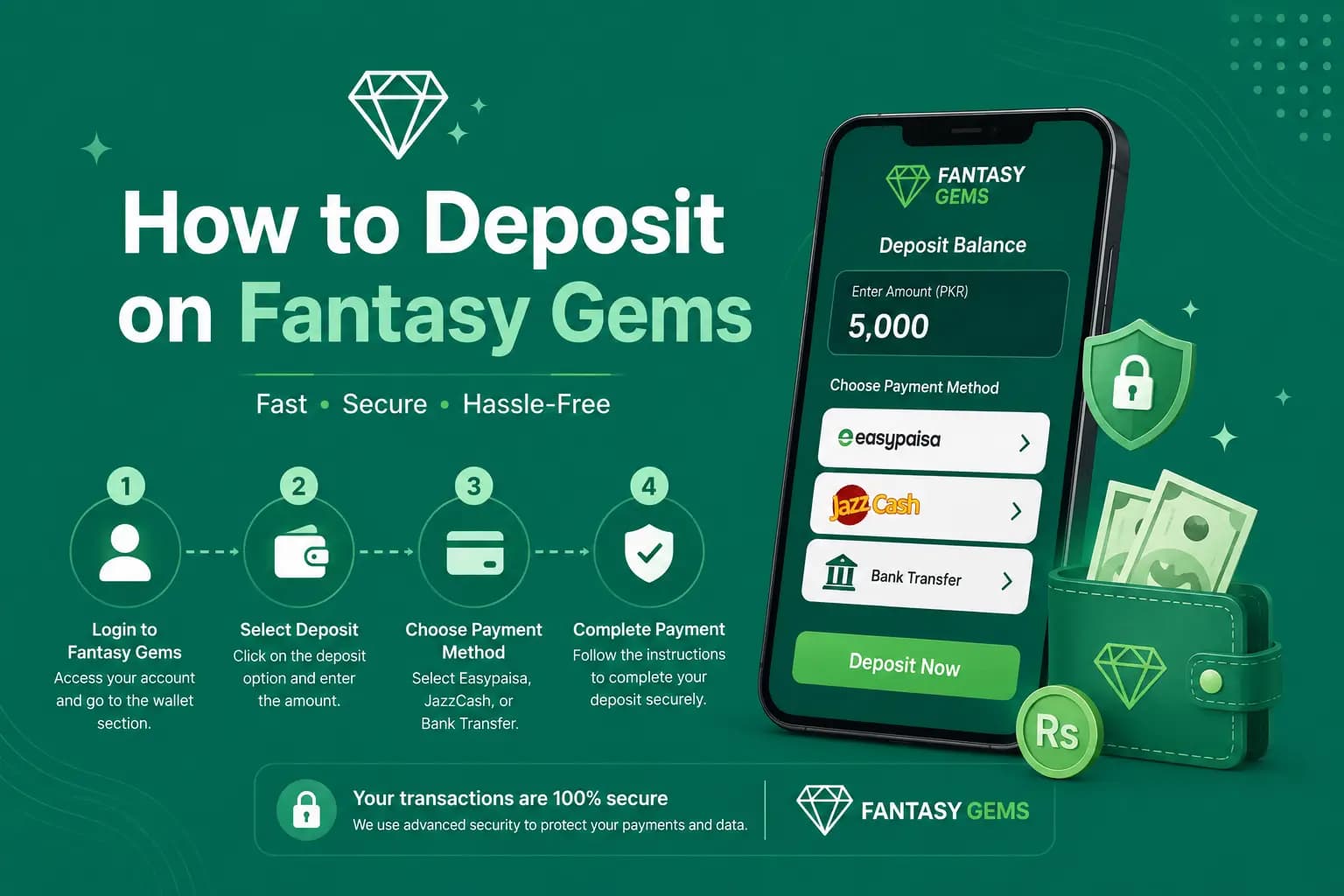
How to Deposit on Fantasy Gems
- 1
Complete the Fantasy Gems login.
- 2
Open Wallet, Balance, Cashier, or Deposit.
- 3
Select an available payment method.
- 4
Review the minimum and maximum amount.
- 5
Enter the deposit value.
- 6
Copy the payment details carefully.
- 7
Complete the payment through the selected provider.
- 8
Save the transaction ID and receipt.
- 9
Return to the app.
- 10
Enter the required reference number or upload proof when requested.
- 11
Submit the deposit.
- 12
Check the transaction status and balance.
Do not close the payment record until the balance is confirmed.
Fantasy Gems Minimum Deposit: Where to Find the Current Limit
The Fantasy Gems minimum deposit is not verified by this guide. Third-party pages quote different figures, and limits in apps of this kind can change by payment method and over time, so any number published outside the app may already be out of date.
The current minimum and maximum are shown on the deposit screen once you select a method, usually beside the amount field or as preset amount buttons. If the screen rejects your amount, it normally states the allowed range.
A low minimum is not a reason to deposit more often. Decide your budget first, and note that a bonus may need a larger qualifying amount than the basic minimum. Our blog post on the Fantasy Gems minimum deposit and withdrawal explains how to read both limits before you send money.
Fantasy Gems PKR and Wallet Guides
Fantasy Gems deposits are commonly reported to be made and shown in PKR, paid from a Pakistani mobile wallet or bank account. Our PKR guide explains how amounts, limits and fees are displayed in rupees, and our wallet guide walks through the balance, history and pending sections you will use to track every deposit.
Verify the Recipient Before Sending Money
A copied number can be changed by malware, an altered webpage, or a typing mistake. Before confirming:
- Compare every digit.
- Check the account title.
- Confirm the amount.
- Check whether a reference is required.
- Reopen the deposit screen when instructions look unusual.
- Contact verified support when recipient details suddenly change.
Do not rely on old screenshots. Payment accounts can change.
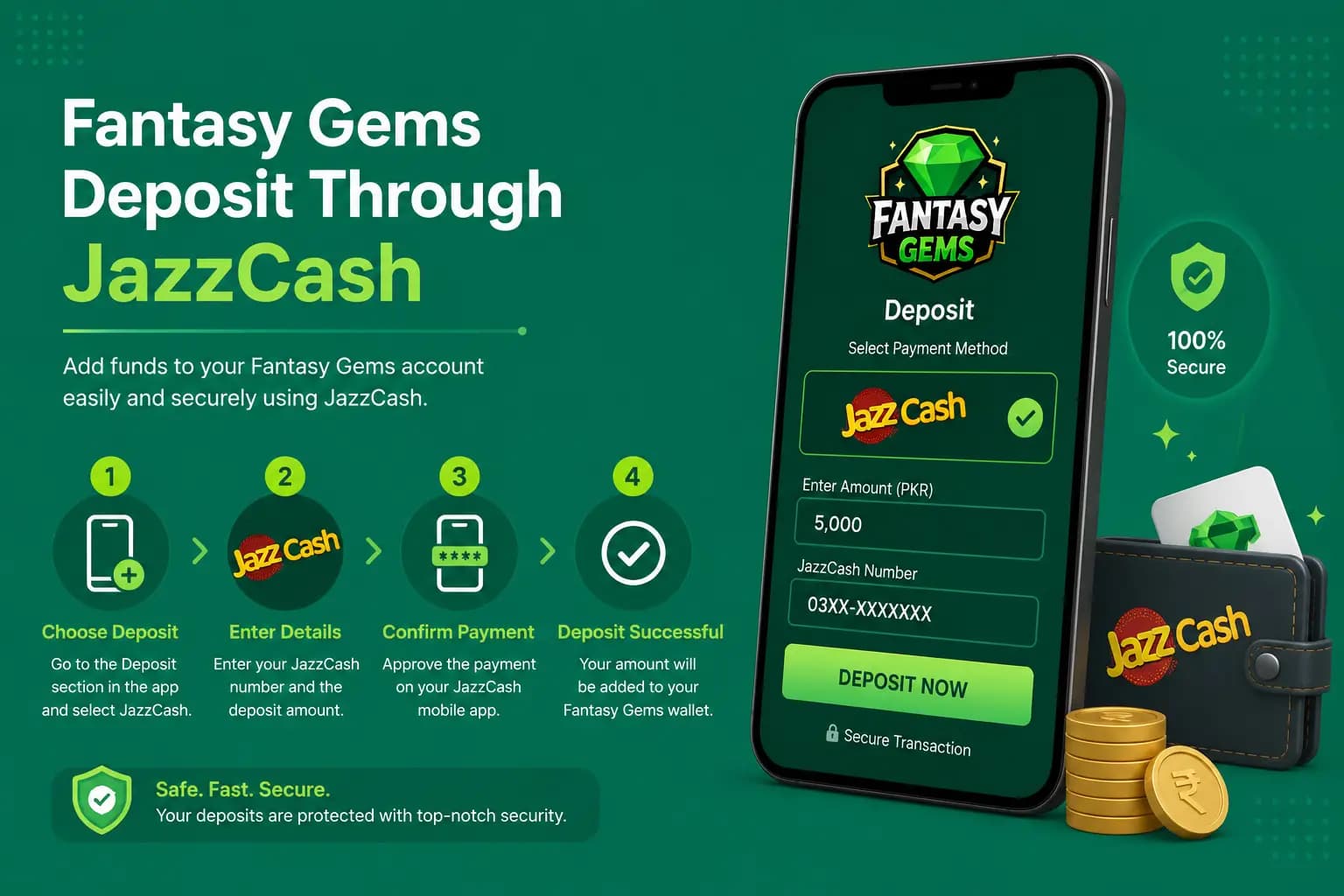
Fantasy Gems Deposit Through JazzCash
- 1
Open the Fantasy Gems deposit area.
- 2
Select JazzCash when listed.
- 3
Enter the amount.
- 4
Note the recipient details.
- 5
Open JazzCash independently.
- 6
Confirm the recipient and amount.
- 7
Complete the payment.
- 8
Save the transaction ID.
- 9
Return to Fantasy Gems.
- 10
Submit the transaction details when required.
- 11
Wait for the account status to update.
Never provide the JazzCash PIN or OTP to Fantasy Gems support, an agent, or another player.
Fantasy Gems Deposit Through Easypaisa
- 1
Choose Easypaisa in the wallet.
- 2
Check the displayed instructions.
- 3
Confirm the payment amount.
- 4
Open the Easypaisa app.
- 5
Verify the recipient.
- 6
Complete the transfer.
- 7
Save the receipt.
- 8
Submit the payment reference in the gaming account.
Do not make a second transfer while the first transaction is still being reviewed.
Deposit Bonus Conditions
A deposit may activate a promotional balance. This can change how withdrawals work. Check:
- Bonus percentage or amount
- Minimum qualifying payment
- Eligible game categories
- Turnover requirement
- Expiry
- Maximum withdrawal
- Maximum stake during the bonus
- Whether cancellation removes winnings
- Whether the bonus is automatic
- Whether a code is required
A deposit bonus is not the same as cash. The promotional amount may remain locked until conditions are completed. Decline or cancel a bonus before playing when its rules are unclear.
Deposit Successful but Balance Not Updated
- 1
Confirm Payment Status — look for Completed, Successful, Pending, Reversed, or Failed. A payment marked pending has not necessarily reached the recipient.
- 2
Check the Fantasy Gems Wallet — review the deposit history. The transaction may appear as pending before reaching the available balance.
- 3
Confirm Account Details — make sure the payment was sent for the correct Fantasy Gems account.
- 4
Collect Evidence — save the transaction ID, amount, date and time, sender number, recipient number, recipient name, screenshot, Fantasy Gems account ID, and deposit request ID.
- 5
Contact Verified Support — use the support section inside the app or a verified contact page and ask for a case number.
Do not send the same amount repeatedly.
Deposit Failed, Reversed, or Sent Incorrectly
| Situation | What to do |
|---|---|
| Deposit failed or reversed | This can happen due to insufficient wallet balance, payment-provider limits, incorrect recipient details, network interruption, an expired payment request, account restriction, a duplicate transaction, or an unsupported payment source. When money returns automatically, wait until the reversal is visible before trying again. |
| Wrong amount deposited | Do not send an additional payment immediately to "correct" the amount. Save proof and contact support with the intended amount, actual amount, time, transaction ID, and account ID. |
| Money sent to the wrong number | Contact the payment provider immediately. A gaming website may not be able to recover money sent to an unrelated wallet. Do not pay a recovery agent — share transaction details only through the provider's verified support process. |
| Deposit account name does not match | A payment from a wallet or bank account owned by another person may trigger additional review. Use your own payment account where possible and check the terms before accepting money from or depositing for another player. |
Information You Must Never Share
- JazzCash PIN
- Easypaisa PIN
- Bank password
- ATM PIN
- OTP
- Email verification code
- Full card security code
- Fantasy Gems password
- Remote screen access
A transaction ID is different from a wallet PIN. Support may need the transaction ID, but it should not need the secret used to authorize payments.
Deposit Record-Keeping
| Field | Example |
|---|---|
| Date | Date payment was made |
| Amount | Exact amount sent |
| Method | Wallet or bank method |
| Transaction ID | Provider reference |
| Recipient | Number or account title |
| Account ID | Fantasy Gems account |
| Status | Pending, credited, failed, or reversed |
| Support ticket | Reference number |
Financial Risk Warning
Depositing creates the possibility of losing real money. Winning is not guaranteed, and earlier wins do not improve the certainty of future results. Do not increase the deposit simply to recover previous losses.
Set These Limits Before You Deposit
- One deposit limit
- One weekly entertainment budget
- A time limit
- A rule against borrowing
- A stopping point after losses
Deposit Advantages and Limitations
Possible Advantages
Commonly reported benefits.
- Access to paid game features
- Central wallet record
- Local payment options may be available
- Transaction references can help with support cases
Limitations
Understand these before you send money.
- Payment methods can change
- Wallet transfers may be difficult to reverse
- Bonus conditions may restrict withdrawals
- Third-party payments may trigger verification
- Processing times are not guaranteed
- Deposited funds can be lost through gameplay
Conclusion
A Fantasy Gems deposit should be made only through the payment details displayed in the verified account. Check the recipient, limits, fees, and bonus conditions before confirming the transfer.
Save every transaction ID and receipt. When the balance does not update, do not repeat the payment. Confirm the provider status, review the account history, and contact verified support with evidence.
Frequently Asked Questions
You can deposit money on Fantasy Gems by logging in, opening the wallet or deposit section, choosing a listed method such as JazzCash, Easypaisa or bank transfer, and entering an amount within the limits shown. Pay only to the details displayed on that screen, save the transaction ID and receipt, then submit the reference if the app asks for it and confirm the balance.
Not Registered Yet?
Create a Fantasy Gems account before making your first deposit.