
Fantasy Gems Register: Account Registration and Sign Up Guide
The Fantasy Gems register process creates a personal account for login access, games, wallet records, bonuses, and payment settings. The signup fields may differ by app version, but a mobile number and password are commonly expected.
Creating an account does not guarantee earnings, bonuses, successful withdrawals, or access to every game.

Mobile + Password
Needs
May Be Required
OTP
One Per Person
Accounts
Oct 2026
Reviewed
Before You Register
Registration should be completed only through the intended application or website. Do not use signup links sent by unknown agents, social-media accounts, or messaging groups.
What You May Need Before Registration
- An active mobile number
- Access to incoming SMS
- A unique password
- Age confirmation
- Stable internet connection
- A verified app or registration page
- Referral code, when optional
- Identity details only when clearly required
Use your own mobile number. A borrowed or temporary number can make password recovery and payment verification difficult.
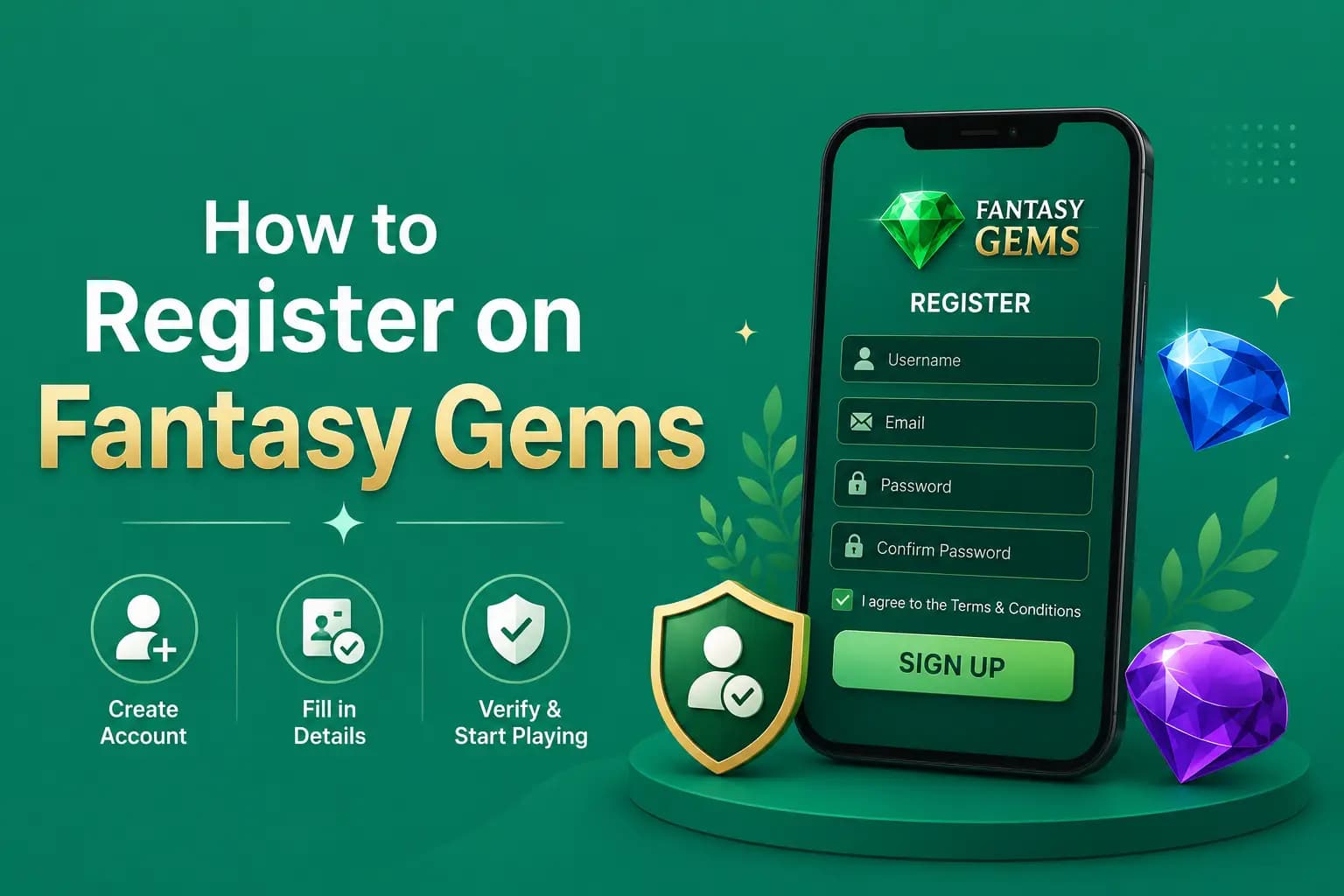
How to Register on Fantasy Gems
- 1
Open the verified app or registration page.
- 2
Select Register, Sign Up, or Create Account.
- 3
Enter an active mobile number.
- 4
Create a strong password.
- 5
Confirm the password.
- 6
Enter a referral code when you choose to use one.
- 7
Read the privacy policy and account terms.
- 8
Accept the terms only after reviewing them.
- 9
Select Register.
- 10
Complete OTP verification when requested.
- 11
Check the profile information after the account opens.
Do not deposit immediately. First review the game rules, wallet, payment limits, support channel, and withdrawal requirements.
Fantasy Gems Account Registration Fields Explained
The form can differ between app versions. These are the fields commonly reported for apps of this kind, why each one is asked, and how to fill it in.
| Registration field | Why it is asked | Tip |
|---|---|---|
| Mobile number | It becomes your login ID and the number used for OTP and account recovery | Use a SIM registered in your own name that you expect to keep |
| Password | Protects the account and the wallet behind it | Make it unique to this app; never reuse a JazzCash or Easypaisa PIN |
| Confirm password | Catches a typing mistake before the account is created | Type it again instead of pasting it |
| OTP or verification code | Proves that you control the mobile number | Enter the newest code yourself; never read it out to anyone |
| Invite or referral code | Links the new account to the person or campaign that shared the code | Usually optional; leave it empty if you do not understand the terms |
| Terms and age confirmation | Records that you accept the rules and meet the age requirement | Read the withdrawal and bonus sections before ticking the box |
If a sign-up form asks for a wallet PIN, bank password or card security code, stop. Those are never needed to create an account.
Choosing the Correct Mobile Number
The registered number may be used for:
- Fantasy Gems login
- OTP verification
- Password recovery
- Security alerts
- Payment verification
- Support requests
Use a SIM that you expect to keep active. Avoid registering with a number controlled by another person.
How to Create a Strong Password
Use a password that:
- Is not used on another website
- Does not contain your full name
- Does not contain your phone number
- Avoids simple sequences such as 123456
- Includes a mix of characters
- Is stored in a secure password manager
Do not save the password in a public note, shared chat, or screenshot gallery.
Fantasy Gems Referral Code
A referral or invitation code may connect the new account to another user, agent, or promotional campaign.
Before entering a code, check:
- Whether it is optional
- What benefit it claims to provide
- Whether a deposit is required
- Whether bonus turnover applies
- Whether it changes account ownership or support access
- Whether the code can be removed later
Do not use a code simply because someone promises guaranteed cash, a fixed daily income, or priority withdrawals. Referral bonuses may be promotional credit rather than withdrawable cash.
Fantasy Gems Invite Code and Welcome Bonus at Sign Up
A Fantasy Gems invite code is usually an optional field on the sign-up form. In apps of this kind the account is normally created whether or not a code is entered, and the code mainly decides who receives referral credit for your registration. This guide does not publish invite codes, and no code can be confirmed as working from outside the app.
Many pages also promise a welcome bonus after Fantasy Gems sign up. A new-user offer may exist, but its amount, the deposit it needs and its turnover rules are not verified here. The current offer, if there is one, is listed in the promotions tab inside the app. Treat it as locked promotional credit until the rules say otherwise.
Our bonus guide explains how turnover and expiry conditions work, and our referral guide covers what an inviter can and cannot earn from your account. Read both before you rely on a code someone sent you.
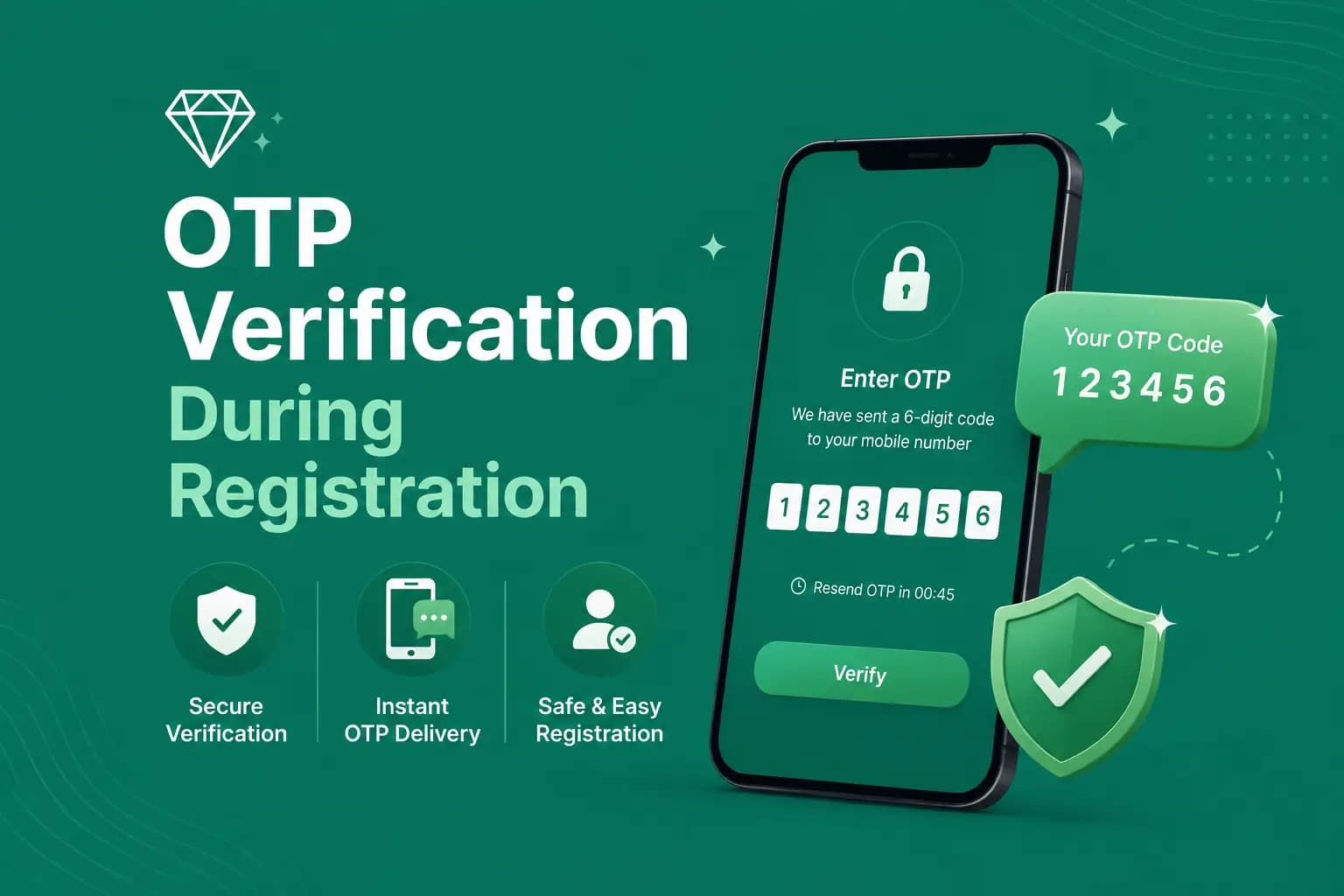
OTP Verification During Registration
The OTP confirms control of the mobile number. To verify the number:
- 1
Enter the correct phone number.
- 2
Request the code once.
- 3
Wait for the SMS.
- 4
Enter the newest OTP.
- 5
Complete the verification before it expires.
Do not send the code to the person who supplied a referral link. Enter it directly into the verified app.
Registration Without an OTP
Some app versions may create an account without immediate OTP verification. This does not remove the need to protect the number and password.
Check whether verification is required before:
- Depositing
- Claiming a promotion
- Changing the number
- Adding a withdrawal method
- Requesting a withdrawal
Complete verification through the account settings when available.
Review the Terms Before Creating an Account
Account Eligibility
Check the minimum age, restricted locations, and one-account policy.
Identity Verification
Review whether KYC is required and when identity documents may be requested.
Payments
Check accepted methods, account-name matching, limits, fees, and reversals.
Bonuses
Read turnover, eligible games, expiry, maximum withdrawal, and account restrictions.
Account Suspension
Understand the reasons an account may be reviewed, restricted, or closed.
Privacy
Check what information is collected, how it is used, and whether it is shared with payment providers or other parties.
One Account Per Person
Gaming platforms may restrict users to one account, one phone number, one identity, or one device. Creating multiple accounts can cause bonus cancellation, payment review, withdrawal rejection, account suspension, and additional identity checks. Use the recovery process when an old account exists instead of creating a new one.
Fantasy Gems Account Registration Mistakes to Avoid
These are the sign-up errors that most often cause trouble later:
- Registering through a link from an agent or group instead of the app you installed yourself.
- Using a relative's or friend's SIM, which leaves OTP codes and recovery in their hands.
- Typing the number in the wrong format, such as an extra zero or a missing digit.
- Reusing a password from email, social media or a mobile wallet.
- Entering an invite code because someone promised guaranteed cash.
- Skipping the terms and discovering the withdrawal rules only after depositing.
- Opening a second account to claim a welcome bonus twice.
- Giving a false name or age that will not match your identity or wallet account later.
- Depositing in the first minute, before checking limits, support and withdrawal rules.
- Sharing the OTP with someone who offers to finish the registration for you.
Most of these mistakes do not show up at sign-up. They surface later, when a withdrawal is reviewed.
Registration Problems and Solutions
| Problem | What to do |
|---|---|
| Mobile number already registered | The number may already have an account. Use the Fantasy Gems login page or password-recovery process. Do not create repeated accounts with different numbers. |
| Invalid mobile number | Check the country-code format, missing digit, extra zero, spaces, and unsupported region. |
| OTP does not arrive | Check signal, blocked SMS, SIM status, and entered number. Wait before requesting another code. |
| Password is rejected | Follow the password rules shown on the page. The form may require a minimum length, number, uppercase letter, or symbol. |
| Register button does not work | Check that all required fields are completed, passwords match, the terms checkbox is selected, the internet connection is stable, JavaScript is not blocked, and the latest app version is being used. |
| Referral code is invalid | The code may be expired, mistyped, restricted, or connected to another campaign. Registration should not depend on a referral code unless the app clearly requires it. |
Registration and Payment Accounts
A payment provider account may need to match the registered gaming-account name. This is especially relevant where identity or anti-fraud checks apply. Before depositing, determine:
- Whether third-party payments are allowed
- Whether the account name must match
- Whether the same method must be used for withdrawal
- Whether a payment method can be changed
- Whether identity verification is required
Read the Fantasy Gems deposit guide before adding funds.
Complete the Profile Carefully
After registration, review:
- Displayed phone number
- Account ID
- Name
- Date of birth
- Country
- Payment settings
- Security options
Incorrect information can create account-recovery or withdrawal problems later. Do not enter false identity details where verification may be required.
Registration Safety Checklist
- Verify the domain.
- Check that HTTPS is active.
- Review the privacy policy.
- Confirm that the app was downloaded from the intended source.
- Avoid unknown referral links.
- Do not share the OTP.
- Use a unique password.
- Do not upload identity documents through messaging apps.
- Confirm the support channel.
- Save the account ID securely.
HTTPS alone does not prove that the operator is licensed or reliable.
What to Do After Registration
- Review profile details.
- Find the help or support area.
- Read the game rules.
- Check free or practice options.
- Review deposit limits.
- Review withdrawal conditions.
- Read bonus terms.
- Set a personal spending limit.
Avoid depositing until everything is understood.
Registration Advantages and Limitations
Advantages
Commonly reported benefits of creating an account.
- Personal account access
- Saved game and transaction history
- Password-recovery options
- Wallet and promotion access
- Possible device verification
Limitations
Points worth understanding before you sign up.
- Registration requires personal information
- Losing the registered SIM can affect recovery
- Referral offers may have restrictions
- Verification may be required before withdrawal
- Multiple accounts can cause payment problems
- Operator and licence information may remain unverified
Responsible Account Creation
Do not register because someone promises a fixed income or guaranteed reward. Gaming results are uncertain, and deposited money can be lost. Use only money set aside for entertainment. Anyone below the permitted age should not create a real-money gaming account.
Conclusion
The Fantasy Gems register process should be approached as an account-security step, not just a quick signup form. Use your own number, choose a unique password, keep the OTP private, and read the payment and bonus conditions before continuing.
After registration, explore the app and verify its rules before making a deposit. Creating an account does not guarantee rewards or successful cash withdrawals.
Frequently Asked Questions
To register on Fantasy Gems, open the app you installed from a verified source, tap Register or Sign Up, enter your own active mobile number, create and confirm a unique password, and complete OTP verification if it is requested. An invite code is usually optional. Read the terms before accepting them, and check the deposit and withdrawal rules before adding any money.
Registered Already?
Head to the login guide to access your Fantasy Gems account safely.