
Fantasy Gems for PC, Windows and Laptop: Browser and Emulator Routes
Fantasy Gems appears to be promoted mainly as a mobile gaming platform. People searching for Fantasy Gems for PC usually want a larger screen, keyboard access, more stable internet, or an alternative when their phone cannot run the app.
A native Fantasy Gems Windows application has not been independently verified. Do not download an .exe file simply because it uses the Fantasy Gems name or logo.

Not Confirmed
Native App
Supported
Browser
Possible
Emulator
Oct 2026
Reviewed
Fantasy Gems for PC: The Short Answer
Fantasy Gems for PC does not exist as a native Windows program that we have been able to verify. The platform is built around an Android APK, so anything sold as a Fantasy Gems PC download in .exe form deserves suspicion.
There are two realistic routes on a Windows 10 or Windows 11 computer or laptop. The first is a desktop browser, where the platform offers a web version. The second is an Android emulator, which runs the normal APK inside a virtual Android phone on your screen.
Fantasy Gems on Laptop or Desktop: Methods at a Glance
| Method | What you need | Pros | Cons |
|---|---|---|---|
| Desktop browser | An updated browser and a verified address, where a web version is offered | Nothing to install, quick to start, easy to leave | May not be offered at all, and may lack some app features |
| Android emulator | A well-known emulator from its own website, plus an APK you trust | Runs the same app you use on a phone, on a bigger screen | Heavy on memory, takes time to set up, adds another layer to secure |
| Windows .exe download | Nothing genuine that we could verify | None | High chance of malware or a fake login screen |
Try the browser first. Use an emulator only when you need the full app.
Ways to Use Fantasy Gems on a PC
Browser Access
When a web version is supported, this is usually the simplest option: open an updated browser, enter the verified website address, confirm HTTPS and the domain spelling, select Login, enter the registered account details, complete OTP verification when required, then review the account and wallet.
- Avoid logging in through pop-ups, advertisements, or links from unknown messages.
Android Emulator
An emulator creates an Android environment inside Windows and may allow an APK to run on a computer: download an emulator from its official publisher, install it, review its permissions, open the Android environment, download the Fantasy Gems APK from a checked source, scan it, install it inside the emulator, then log in.
- An emulator does not convert the app into native Windows software.
Native Windows Application
Use a native PC file only when the publisher and download source can be verified.
- File extension
- Digital signature
- Publisher
- File hash
- Antivirus scan
- Installation permissions
- Privacy policy
- Uninstall option
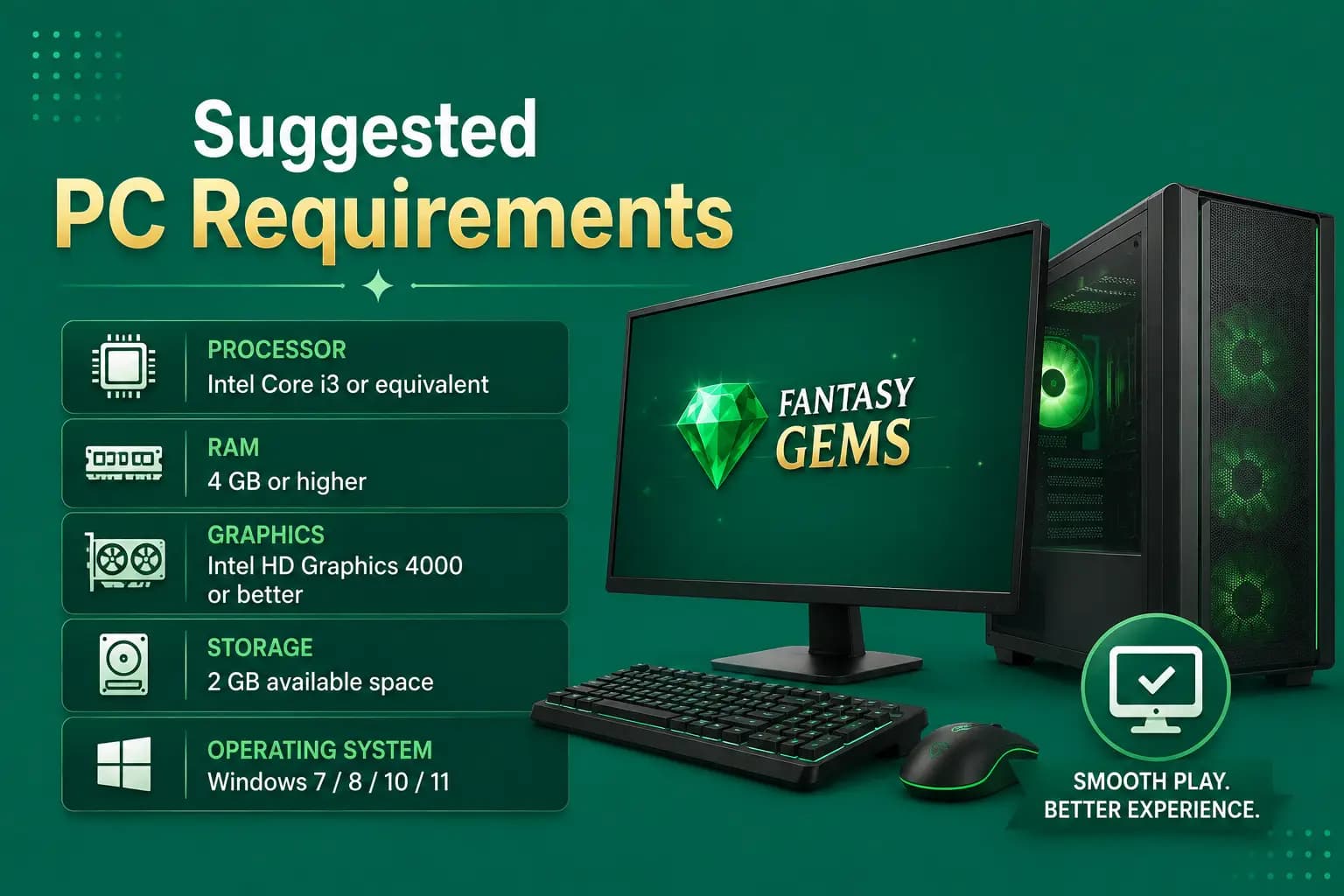
Suggested PC Requirements
Exact requirements depend on the browser, emulator, and game. A practical setup may include:
- Supported Windows version
- Modern multi-core processor
- At least 4 GB RAM for basic use
- More memory for heavier emulators
- Available storage for emulator and app files
- Updated graphics driver
- Stable internet connection
- Virtualization support for smoother emulator performance
These are general recommendations, not verified Fantasy Gems system requirements.
Check the Emulator's Own Requirements
Fantasy Gems does not publish PC requirements that we could verify, so the only figures that matter are the ones your chosen emulator states on its own website. As a general rule, more RAM, free disk space and hardware virtualization make an emulator smoother.
How to Enable Virtualization
An Android emulator may run slowly when hardware virtualization is disabled. The setting may appear as Intel VT-x, Intel Virtualization Technology, AMD-V, or SVM Mode. It is usually enabled through BIOS or UEFI. Do not change unrelated firmware settings.
How to Set Up a Fantasy Gems Emulator on Windows
BlueStacks, LDPlayer and NoxPlayer are named only as examples of well-known emulators, not as recommendations.
- 1
Choose a well-known Android emulator and download it only from that emulator's own official website.
- 2
Run the installer and decline any extra bundled software it offers.
- 3
If the emulator says virtualization is off, enable it in your BIOS or UEFI settings, then restart.
- 4
Open the emulator and let the virtual Android device finish starting.
- 5
Get the Fantasy Gems APK from the source you already trust, as covered in our download guide.
- 6
Install the APK inside the emulator using its install-APK option.
- 7
Open the app and log in with your existing mobile number and password. Do not create a second account.
- 8
Complete the OTP using the phone that holds your registered SIM, then confirm your balance matches.
You do not need to sign in to a Google account inside the emulator to install an APK file.
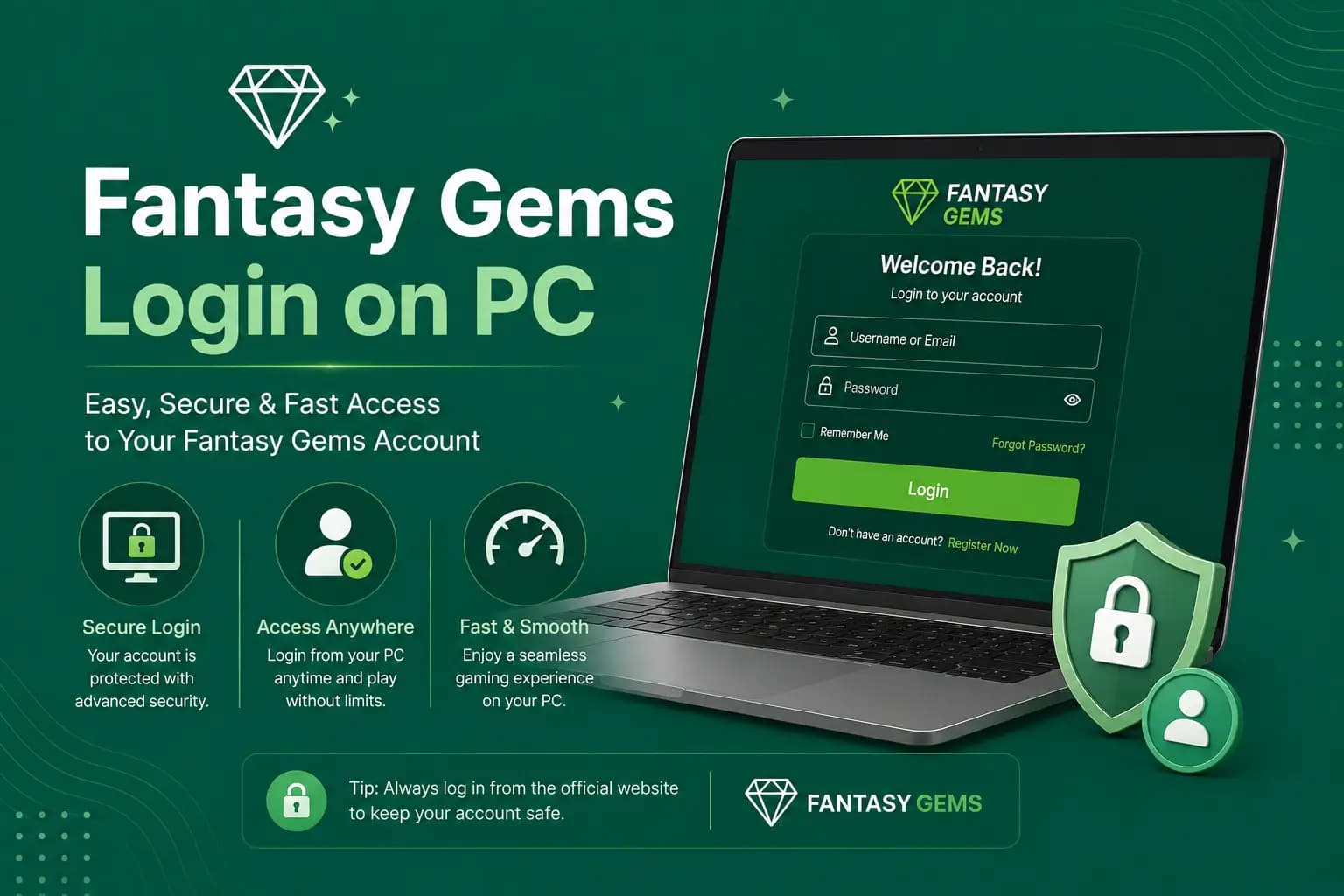
Fantasy Gems Login on PC
- 1
Open the verified browser page or emulator app.
- 2
Select Login.
- 3
Enter the registered number.
- 4
Enter the password.
- 5
Complete OTP verification.
- 6
Confirm wallet activity.
Do not store account credentials on a shared computer. Use the Fantasy Gems login guide when the password or OTP does not work.
Fantasy Gems Registration on PC
Registration may be possible through the website or emulator. Use a mobile number you control because the OTP may arrive on your phone. Keep the number available for future account recovery. Do not create multiple accounts simply because one device does not work. Read the Fantasy Gems registration guide.
Deposits and Withdrawals on PC
The PC interface may redirect payments to a wallet, QR code, banking page, or mobile confirmation. Before paying:
- Verify the recipient.
- Confirm the amount.
- Save the transaction ID.
- Avoid browser extensions that modify pages.
- Check bonus and withdrawal conditions.
Do not share the payment PIN. When a payment is completed on a phone but the PC balance does not update, do not immediately repeat it — refresh the wallet, review transaction history, and contact support with evidence.
Browser Security
Use an Updated Browser
Old versions may contain security weaknesses or fail to display payment pages correctly.
Check the Domain
Copied login pages can look identical to the expected website. Check every letter.
Avoid Unknown Extensions
Extensions may read page content, modify payment addresses, or collect login details.
Don't Ignore Certificate Warnings
A warning may indicate an expired certificate, misconfiguration, or interception — don't enter data until it's understood.
Emulator Security
Use an emulator downloaded from its genuine publisher. Avoid:
- Modified installers
- Bundled cracks
- Preloaded Fantasy Gems accounts
- "Guaranteed winning" tools
- Auto-betting software
- Remote-control setups
- Unknown root scripts
- APK mods
A modified app can steal login information, manipulate payment details, or cause the account to be restricted.
Why a Fantasy Gems .exe for Windows Is a Red Flag
No native Windows version has been verified, so a site offering a Fantasy Gems PC download as an .exe or installer is not passing on something the platform released. Such files are a common way to deliver malware, password stealers and fake login windows. The same applies to cracked or unlimited-balance PC versions. Do not run them, even to test.
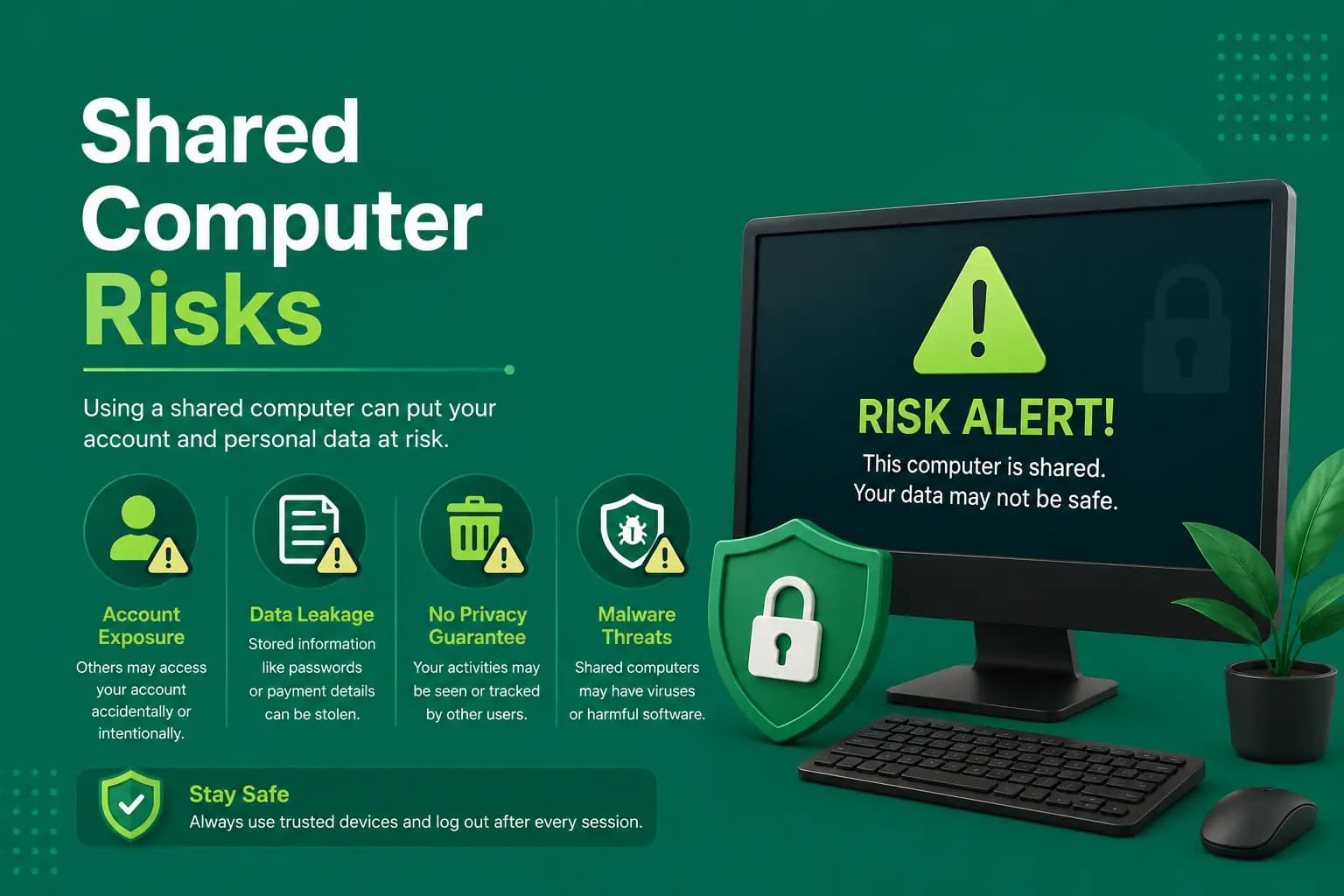
Shared Computer Risks
On a shared PC:
- Do not save passwords.
- Do not select Remember Me.
- Log out after use.
- Remove downloaded identity documents.
- Clear payment information.
- Avoid public Wi-Fi.
- Do not leave the account open.
Change the password when the device may be compromised.
Office and Shared PCs: Think Before You Log In
Work computers are often monitored, and installing an emulator or opening a real-money gaming site can break company policy. On any PC you do not control, other people may see saved passwords and browser history. Use a private window if you must log in there, and log out fully before you leave.
Sessions and OTP When You Use Fantasy Gems Online on PC
A PC counts as a second device. Apps of this kind commonly allow one active session per account, so logging in on the computer may sign your phone out, and logging back in on the phone may end the PC session. That is normal behaviour, not a hack. The OTP still goes to your registered SIM, so keep your phone nearby.
If you keep getting signed out, read our blog posts on Fantasy Gems login on multiple devices and on the session expired error.
Common PC Problems
| Problem | What to try |
|---|---|
| Website does not load | Check the internet connection, open the page in another updated browser, clear relevant cache and cookies, disable a conflicting extension, check the computer date and time, confirm the domain, and review firewall settings. Do not install random VPN or proxy software as the first solution. |
| Emulator is very slow | Close unnecessary programs, increase allocated RAM carefully, enable virtualization, update graphics drivers, reduce emulator resolution, and use fewer background applications. |
| APK does not install in emulator | Check Android version compatibility, available storage, complete download, file integrity, a conflicting older version, and emulator architecture. Do not disable all computer security to install an unknown file. |
| App opens to a black screen | Restart the emulator, change the graphics rendering mode, update the emulator, and confirm that the app supports the Android version. |
| Keyboard does not work correctly | Use the emulator's key-mapping settings. Avoid automated scripts that may violate platform rules. |
| Payment page does not open | Allow required pop-ups only for the verified domain. Check whether the payment must be completed on a mobile device. |
| Account is logged out repeatedly | The platform may restrict multiple devices or sessions. Log out elsewhere, reset the password when suspicious activity appears, and contact support when the problem continues. |
Keyboard, Mouse and Performance Tips for PC Play
The app is designed for touch, so a few adjustments help.
- A mouse click acts as a tap. Click once and wait, because double clicks on a slow emulator can place a bet twice.
- Type stake amounts with the number keys and read the total before you confirm.
- Close other heavy programs and browser tabs before starting the emulator.
- Use a stable connection, since a drop mid-round can leave a bet unclear.
- Do not use macros or auto-click tools. They do not improve results and can get an account restricted.
A faster PC only makes the app smoother. It has no effect on game outcomes.
Browser or Emulator: Which Is Better?
| Method | Main benefit | Main limitation |
|---|---|---|
| Browser | No APK or emulator installation | Some app features may be unavailable |
| Android emulator | May provide a mobile-app interface | Uses more RAM and adds another software layer |
| Native Windows app | Direct PC installation when genuine | No verified native Fantasy Gems version confirmed |
Use browser access where it is officially supported. Use an emulator only after verifying both the emulator and APK source.
PC Advantages and Limitations
Advantages
Commonly reported benefits.
- Larger display
- Easier access to transaction records
- Physical keyboard
- Stable home internet may improve access
- Browser option may avoid APK installation on the main phone
Limitations
Understand these before relying on a PC.
- Native Windows availability is unverified
- Emulators can be resource-heavy
- Some games may not support keyboard controls
- Payment confirmation may still require a phone
- Multiple-device access can trigger security checks
- Unofficial .exe files can carry malware
- Public or shared PCs increase account risk
Can You Use Fantasy Gems on a Mac?
The same logic applies on a Mac. We could not verify a native macOS app, so the options are a browser, where a web version is offered, or an Android emulator. Emulator support differs between Intel and Apple silicon Macs, so check availability on the emulator's own website. Avoid any .dmg or .pkg file sold as Fantasy Gems for Mac.
Responsible Use on PC
A larger screen and longer sessions can make it easier to lose track of time. Use:
- Session timer
- Deposit limit
- Break reminders
- Separate entertainment budget
- Clear stopping point
Do not use automation, bots, hacks, or scripts to manipulate games. They can expose account credentials and may violate platform rules.
Conclusion
Fantasy Gems for PC may be accessible through a supported browser or Android emulator, but a native Windows application has not been independently confirmed.
The browser is the simpler choice when an authorized web version exists. When using an emulator, download it from its genuine publisher and scan the Fantasy Gems APK before installation. Avoid unknown .exe files, modified apps, bots, and guaranteed-winning tools.
Related Guides
Fantasy Gems for PC Questions and Answers
There is no verified Fantasy Gems PC download in the form of a native Windows program. The platform is distributed as an Android APK. On a computer you can use a desktop browser where a web version is offered, or run the normal APK inside a well-known Android emulator.
Prefer Mobile?
Fantasy Gems is primarily distributed as an Android APK — check the download guide for full installation steps.