Fantasy Gems OTP Not Received: Causes and Fixes for Pakistani Networks
Practical fixes for a Fantasy Gems OTP that won't arrive — from number format and SIM signal to spam filters, dual-SIM settings, resend limits and OTP scams.
Independent guide — not an official Fantasy Gems channel.

Troubleshooting
Category
OTP & SMS Fixes
Focus
10 min
Read Time
Oct 2026
Updated
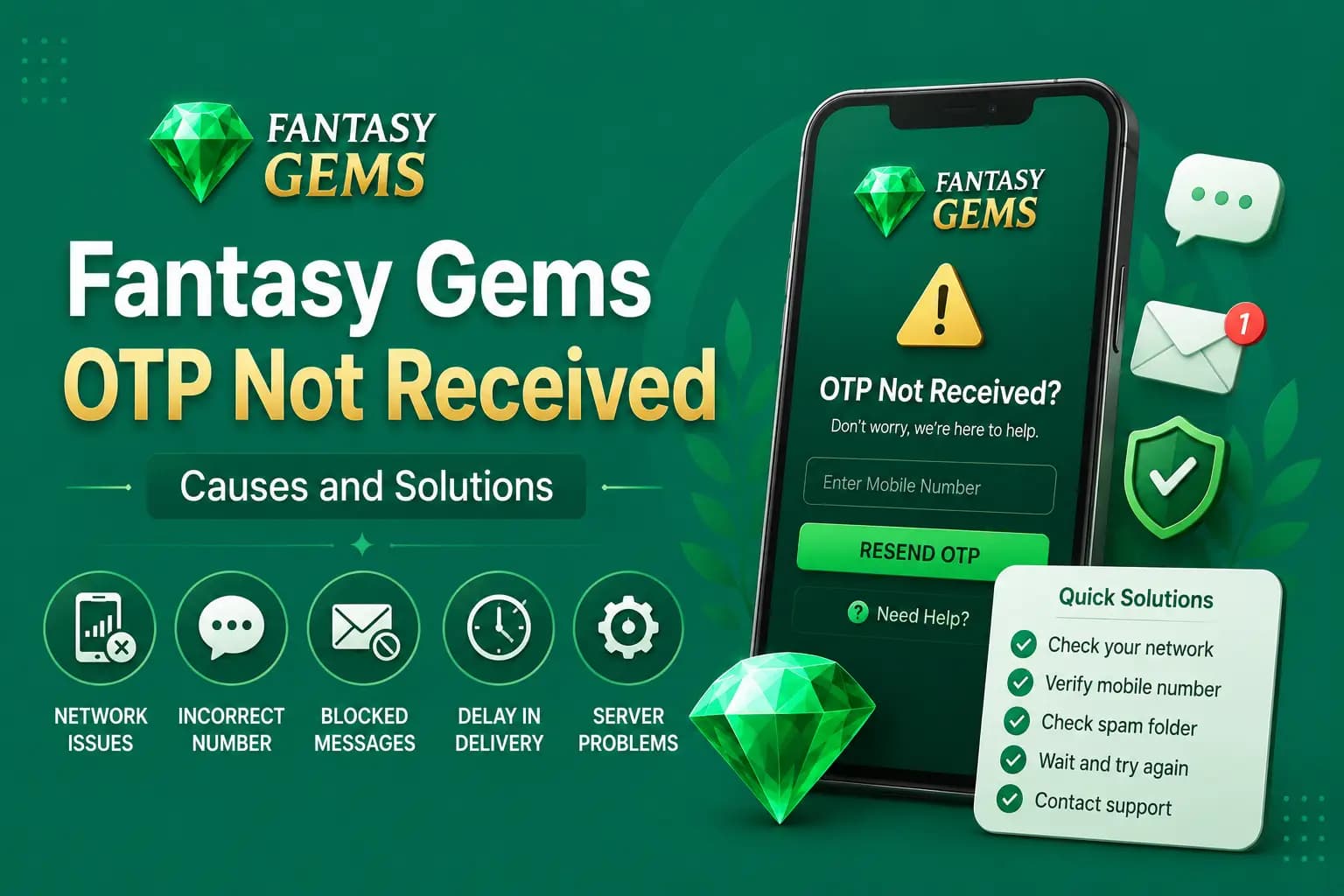
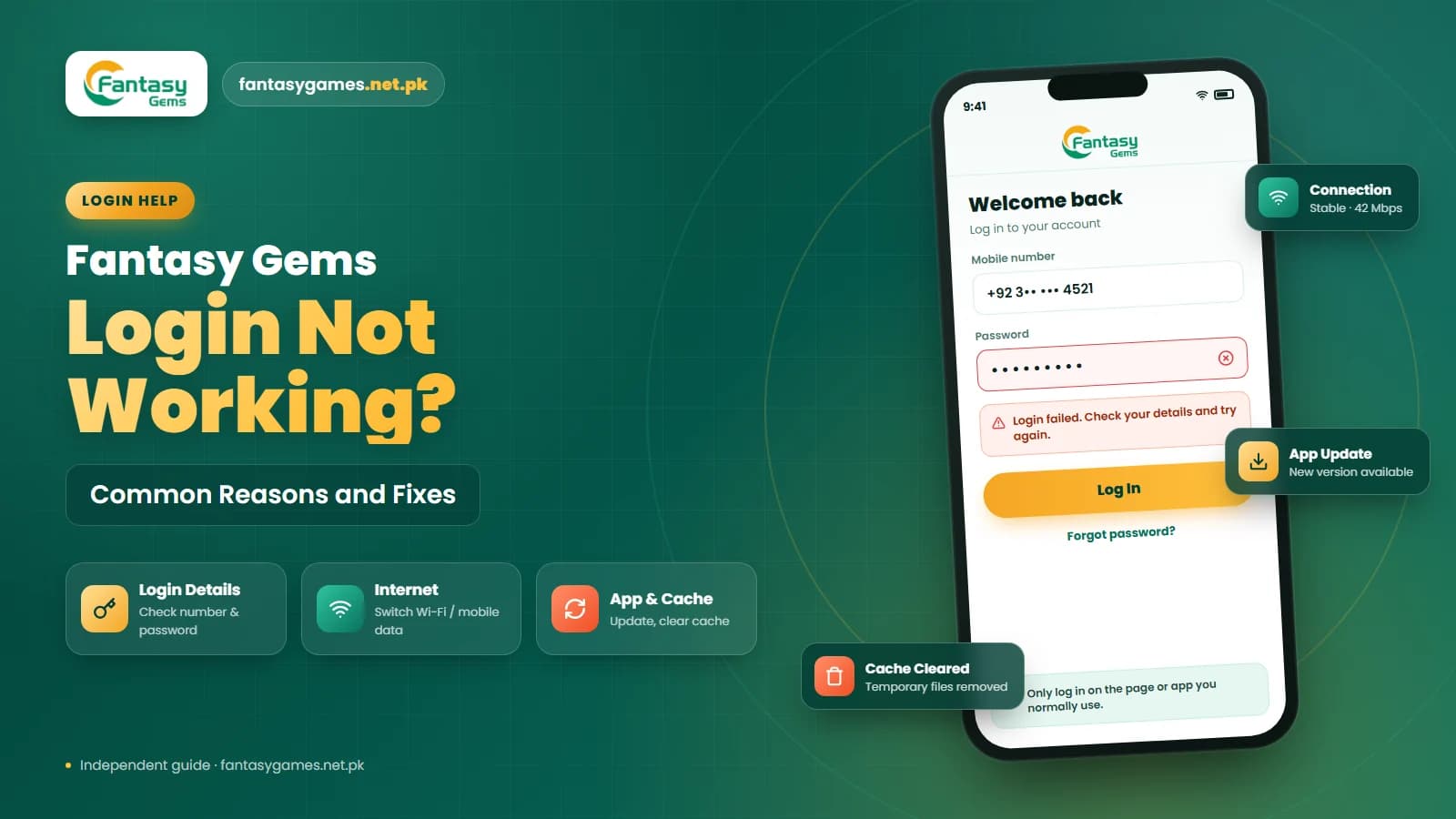
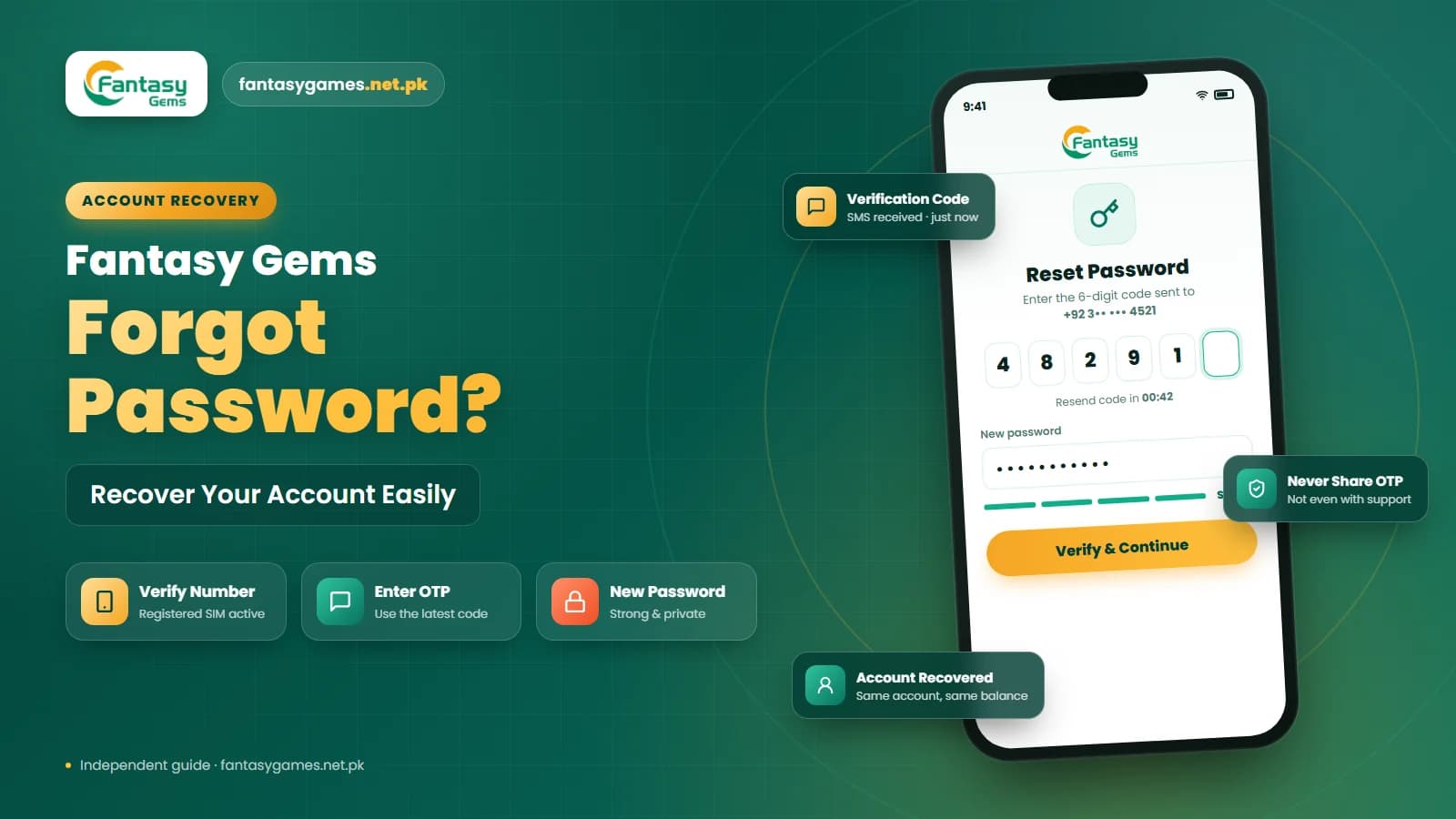
A Fantasy Gems OTP not received problem usually sits with the phone, the SIM or the mobile network rather than with your account. You may need a one-time password, also called an OTP, when you log in, register a Fantasy Gems account, reset a forgotten password, or confirm an important account change.
The code is normally sent by SMS to the mobile number linked with your Fantasy Gems account. When the message does not arrive, you may think the account has stopped working. However, the problem is often connected to the mobile number, SIM signal, SMS settings, network delays, or repeated OTP requests.
This independent guide covers the checks that solve most cases on Jazz, Zong, Telenor and Ufone numbers, what to do when a code arrives but is rejected, and how to keep the code away from scammers.
Quick fixes when the Fantasy Gems OTP is not received
Try these in order, and request a new code only once after each change.
- Check every digit of the mobile number and make sure +92 is not entered twice.
- Wait a couple of minutes; SMS can queue on a busy network.
- Confirm the registered SIM has signal and can receive an ordinary text from a friend.
- Turn airplane mode on and off, or restart the phone.
- Look in the spam, blocked and promotional folders of your Messages app.
- On a dual-SIM phone, check that the registered SIM is enabled.
- Stop tapping resend; wait for the timer and use only the newest code.
If the code arrives but is rejected, skip to the invalid OTP section below.
Fantasy Gems OTP information at a glance
| Detail | Information |
|---|---|
| OTP meaning | One-time password |
| Delivery method | Usually sent by SMS |
| Sent to | The mobile number linked with the account |
| Common uses | Login, registration, password reset, and account verification |
| Validity | Usually available for a limited time |
| Security rule | Never share the OTP with another person |
| Common problems | Delayed SMS, wrong number, weak signal, or expired code |
Why is the Fantasy Gems OTP not arriving? Check the number first
Check whether you entered the same mobile number used during Fantasy Gems registration. If one digit is incorrect, the code may be sent to another number. Pakistani mobile numbers may be entered in different formats:
| Number format | Example | When to use it |
|---|---|---|
| Local format | 03XXXXXXXXX | When no country code is selected |
| International format | +923XXXXXXXXX | When the full international number is required |
| Country code already selected | 3XXXXXXXXX | When +92 is already shown |
Do not enter +92 twice when the country code is already selected.
Other common OTP delivery problems
Poor Mobile Signal
The OTP may be delayed when the registered SIM has weak or no network coverage. Move to a stronger signal area, wait briefly, and check whether ordinary SMS messages are arriving.
SIM Card Is Inactive
An old, blocked, suspended, or inactive SIM cannot receive verification messages. Losing access to the registered SIM may also make password recovery more difficult.
SMS Inbox Is Full
Older phones or limited messaging applications may stop receiving messages when the inbox is full. Delete unnecessary messages and request one new OTP.
Fantasy Gems OTP not coming on Jazz, Zong, Telenor or Ufone
Verification codes travel as automated SMS, and every operator handles those a little differently from person-to-person texts. At busy times, such as evenings or during a network fault in your area, an automated message can sit in a queue for several minutes even though calls and mobile data work normally.
If you have ever activated a do-not-disturb or promotional-message block on your number, some automated senders may be filtered before the SMS reaches your phone. Your operator's helpline or its own app can tell you whether such a block is active and how to change it.
Numbers moved between operators through mobile number portability can see delayed or missing automated messages for a while after porting. Roaming is another cause: abroad, SMS arrives only if roaming is active on the SIM, and it may be slow.
Verification messages blocked by spam filters
Your phone may classify automated verification messages as spam, so the code arrives but is hidden. Check:
- Blocked-number settings
- Spam or junk messages, including the spam and blocked folder of the Messages app
- SMS filtering, such as spam protection or a promotional tab that sorts unknown senders away from the main inbox
- Security applications
- Network-level message restrictions
Third-party SMS apps and caller-ID apps often filter more aggressively than the phone's default Messages app.
Too many OTP requests and the resend OTP cooldown
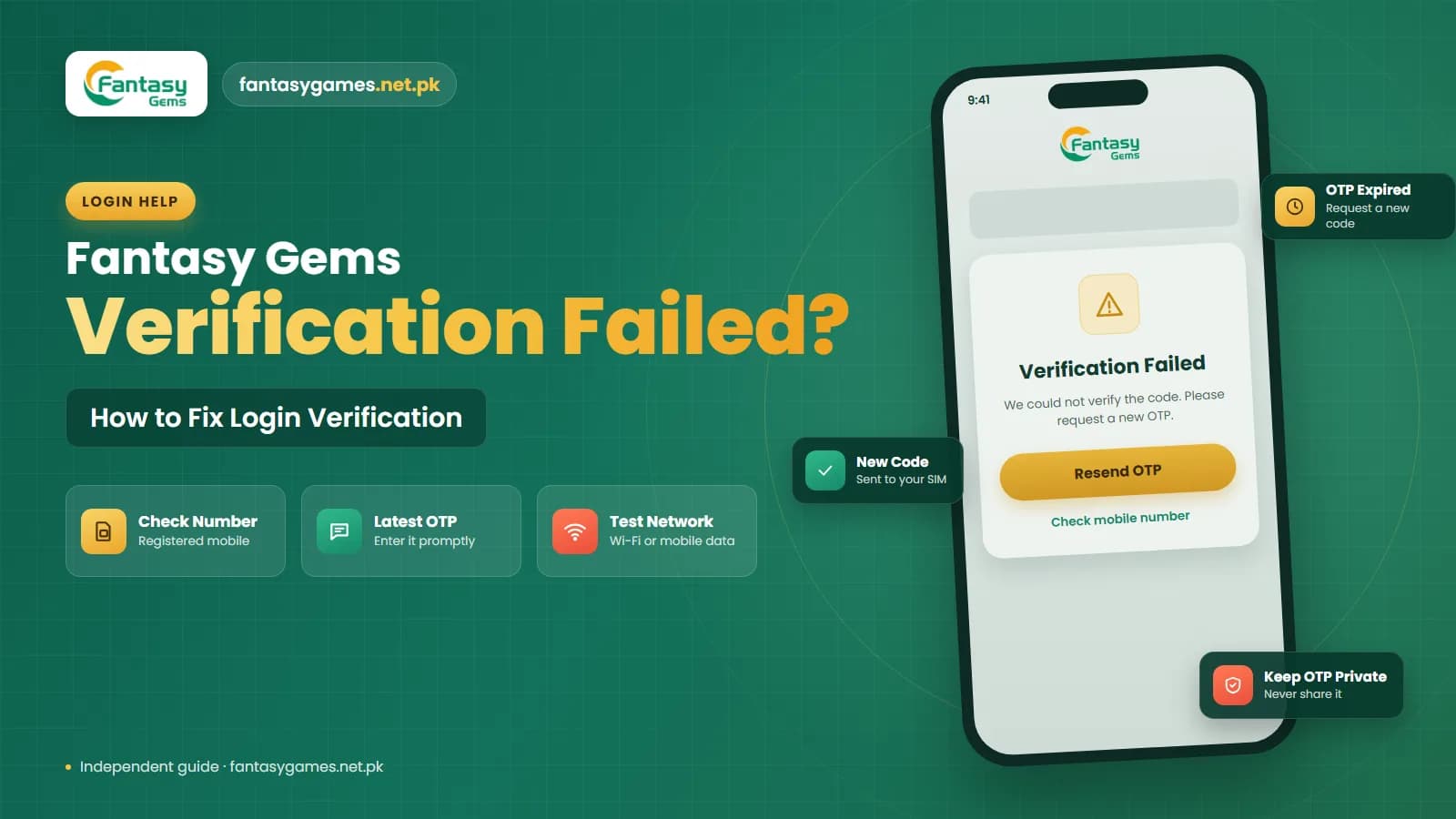
Pressing the resend button repeatedly may invalidate earlier codes or trigger a temporary security restriction. Wait before requesting another code and use only the newest OTP received.
Most verification systems add a cooldown between requests and a cap on how many codes one number can request in a period. The exact limits are not published, so follow the countdown shown on the screen. If resend is greyed out or you see a too-many-attempts message, leave it alone for a good while rather than switching devices to try again.
Common Fantasy Gems OTP problems, causes and solutions
| Problem | Possible cause | Recommended solution |
|---|---|---|
| OTP not received | Weak signal or network delay | Move to a better signal area and wait |
| Invalid mobile number | Incorrect format or extra country code | Check the number and enter it correctly |
| OTP delayed | Network traffic or SMS filtering | Check spam messages and wait briefly |
| OTP expired | Code entered too late | Request one new OTP |
| OTP invalid | An older code was entered | Use the newest code |
| SMS not arriving | SIM is inactive or blocked | Confirm that the registered SIM is working |
| Too many requests | Resend button pressed repeatedly | Stop requesting codes and wait |
| OTP works on old phone only | Incorrect SIM or dual-SIM settings | Select the registered SIM for messages |
| No automated SMS at all | Promotional-message or DND block on the number | Ask your operator to check the block |
| No code while abroad | Roaming is not active on the SIM | Enable roaming or wait until you are back on your home network |
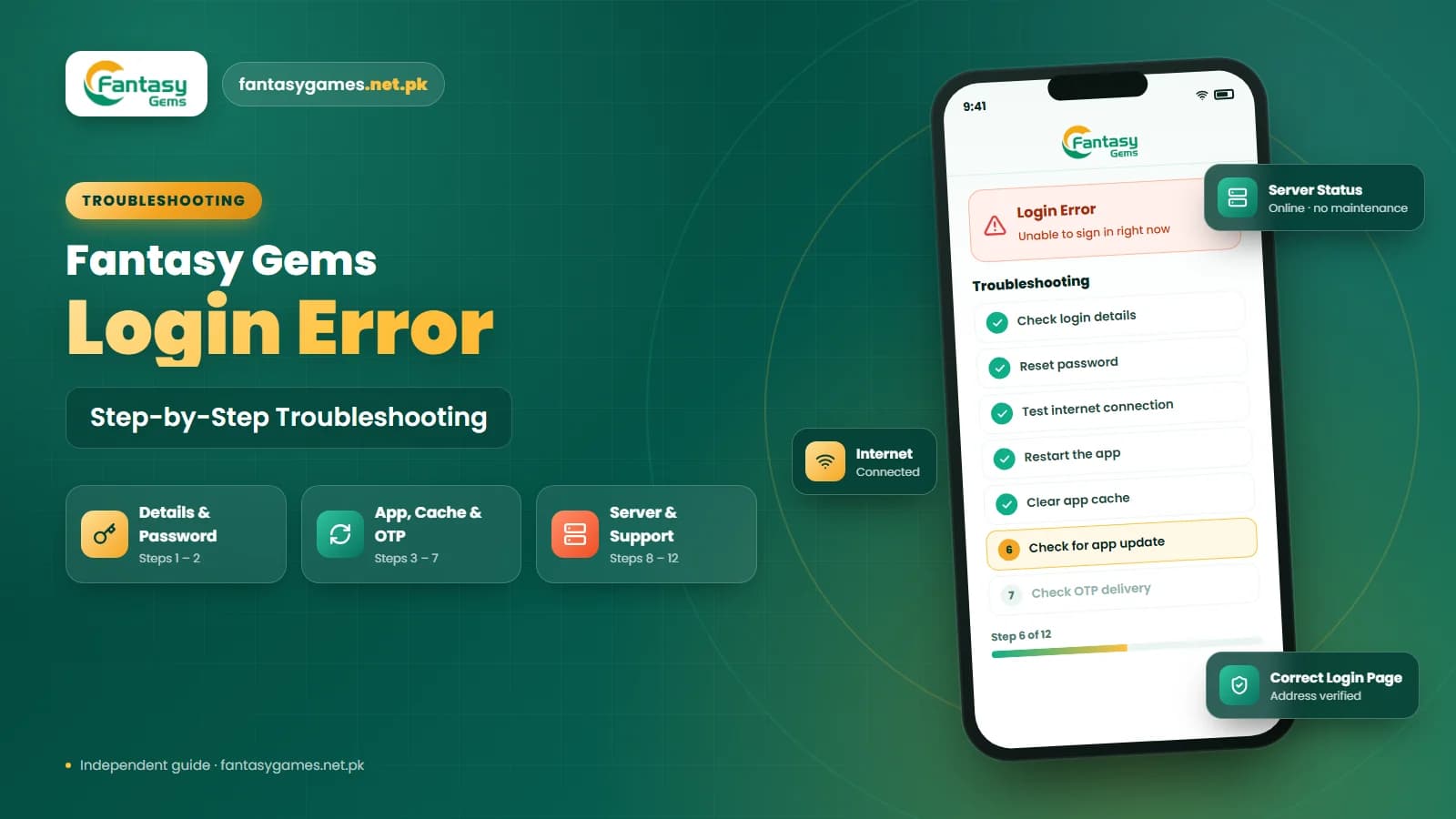
How to fix a Fantasy Gems OTP problem step by step
Follow these steps in order:
- 1
Confirm the registered mobile number.
- 2
Check the mobile-number format and country code.
- 3
Make sure the SIM has a network signal.
- 4
Restart the phone.
- 5
Turn airplane mode on and off.
- 6
Check blocked, spam, and junk messages.
- 7
Clear space in the SMS inbox.
- 8
Wait before requesting another OTP.
- 9
Use only the newest code received.
- 10
Contact verified support if the issue continues.
Avoid requesting OTP codes from several devices at the same time.
Fantasy Gems OTP expired or invalid: common reasons
An OTP may be rejected even after the SMS arrives:
- The code has expired.
- An older OTP was entered.
- A new code was requested after the first one.
- Extra spaces were copied with the code.
- The wrong account number was used.
- The device date or time is incorrect.
- The verification session has ended.
Enter the code manually if copying it adds spaces or other characters.
What to do when the OTP is invalid
- 1
Confirm that the code matches the correct account.
- 2
Use the newest SMS.
- 3
Enter the digits manually.
- 4
Check the phone date and time, and set them to automatic.
- 5
Return to the login page if the session expired.
- 6
Request one new OTP only when necessary.
Fantasy Gems OTP not received during password reset
When using the Forgot Password option, confirm that the mobile number belongs to the account you are trying to recover. Do not create another account simply because the password-reset code does not arrive — multiple accounts may create problems with payments, bonuses, identity verification, or withdrawals.
Do not open a second account because the code is late
A missing OTP is a delivery problem, not a reason to register again with another SIM. A second account on the same phone or mobile wallet can be flagged as a duplicate, and any balance stays in the original account. Fix the SMS issue or contact support instead.
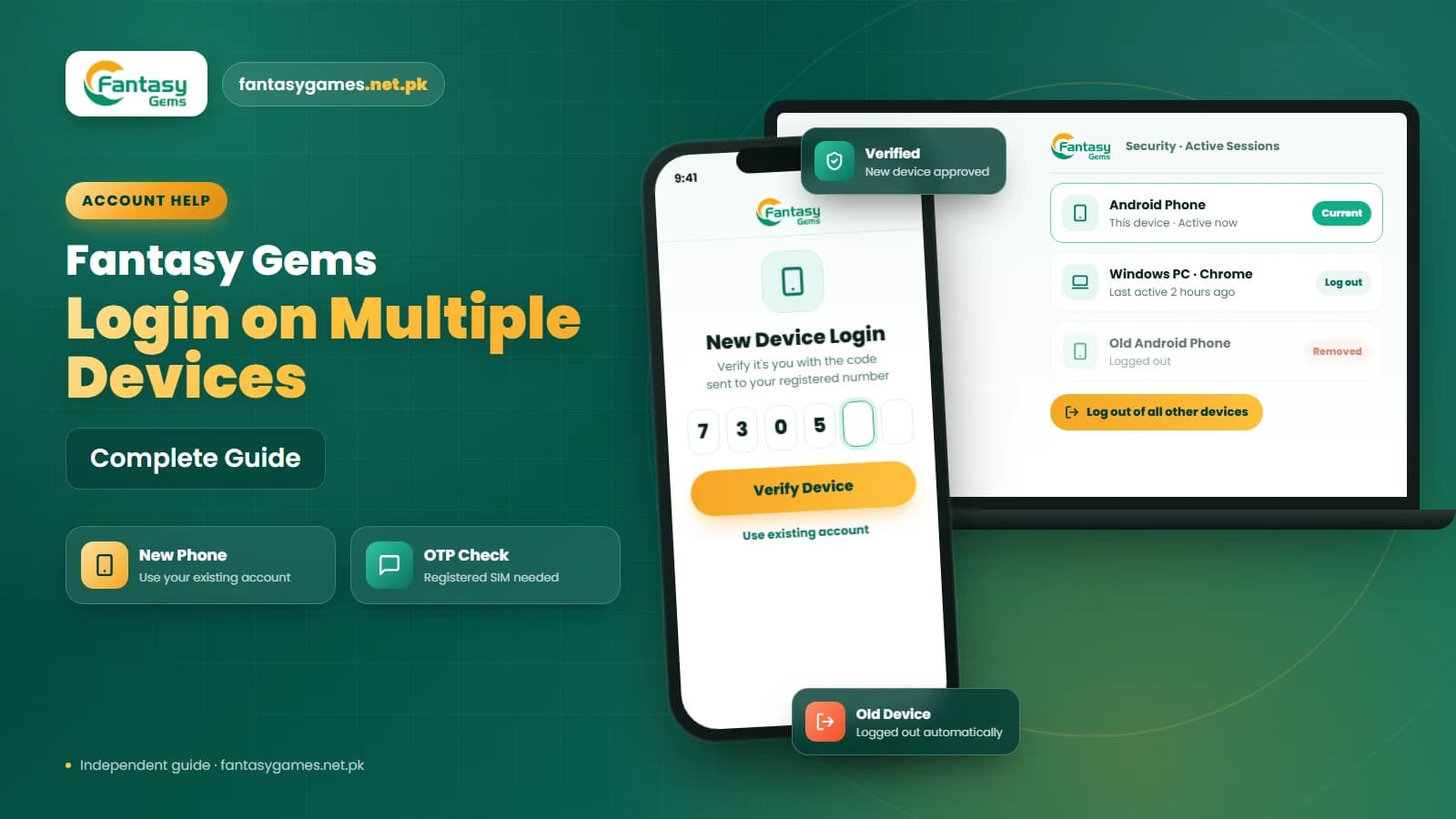
Fantasy Gems OTP not received on a new phone
Changing phones should not normally stop verification messages when the original registered SIM is still active. Confirm that:
- The registered SIM is inserted into the new phone.
- The correct SIM is selected for SMS messages.
- The device can receive normal text messages.
- Dual-SIM settings are configured correctly.
- The account does not require additional new-device verification.
- The mobile number and country code are entered correctly.
If the old phone was lost or stolen, change the Fantasy Gems password after recovering access.
OTP problems on a dual-SIM phone
A dual-SIM device may receive messages on one number while the Fantasy Gems account is connected to the other. Check:
- Which SIM is linked with the account
- Which SIM has an active signal
- Which SIM is selected for SMS
- Whether one SIM is temporarily disabled
- Whether call or message restrictions are active
The default SIM setting controls outgoing texts; incoming codes need only that the registered SIM is switched on and has signal. Restart the phone after changing SIM settings.
Anyone offering to resend your OTP for a fee, PIN or code is a scammer
People posing as agents on WhatsApp, Telegram or Facebook offer to resend or activate your Fantasy Gems OTP if you pay a small fee, share the code that just arrived, or give your JazzCash or Easypaisa PIN. Nobody outside the platform can send its codes, and a code that reaches your phone while you talk to them is usually them logging in as you. Refuse, block the contact and change your password.
Never share the Fantasy Gems OTP
The OTP confirms that you control the registered mobile number. Do not share it with:
- Customer-support agents
- Referral agents
- Other players
- Payment representatives
- Social-media administrators
- WhatsApp contacts
- Telegram users
- Anyone claiming to unlock your account
A genuine support process should not require your OTP.
Signs of a Fantasy Gems OTP scam
Be careful when someone:
- Asks you to forward an OTP
- Claims the code is needed to release a withdrawal
- Says the account will be closed immediately
- Requests screen-sharing access
- Sends a shortened login link
- Asks for your wallet PIN with the OTP
- Promises a bonus after account verification
Do not enter an OTP on a page opened through an unknown link.
When to contact Fantasy Gems support about an OTP problem
Contact verified support, using the option described in our customer care guide, when:
- No OTP arrives after completing the basic checks.
- The registered mobile number has changed.
- The SIM was lost or blocked.
- The account is temporarily locked.
- The mobile number appears as already registered.
- OTP codes expire immediately.
- The code is repeatedly rejected.
- You suspect that another person accessed the account.
If ordinary texts are not arriving either, call your mobile operator first; the app's support cannot fix a SIM or network fault.
What to send support for a verification code that is not coming
| Information | What to provide |
|---|---|
| Registered mobile number | Hide some digits where possible |
| Date and time | When the problem occurred |
| Error evidence | Screenshot of the message |
| Device information | Phone model and operating system |
| App information | Version number if visible |
| Network information | Mobile network being used |
| Account ID | Provide only when required |
| Support request | Ask for a ticket or reference number |
Never provide your password, OTP, mobile-wallet PIN, banking password, or account-recovery code.
Fantasy Gems OTP safety checklist
| Safety check | Recommended action |
|---|---|
| Mobile number confirmed | Check every digit |
| Country code checked | Avoid entering +92 twice |
| Registered SIM active | Confirm signal and SMS service |
| Newest OTP used | Ignore older codes |
| OTP entered privately | Never send it to another person |
| Login domain checked | Verify the website address |
| Resend requests limited | Wait before requesting again |
| Support channel verified | Use the intended app or website |
| Password protected | Do not share it with support |
| Screenshots secured | Hide personal information |
Final Words on the Fantasy Gems OTP not received problem
When the Fantasy Gems OTP is not received, start by checking the registered mobile number, country-code format, SIM signal, blocked messages, SMS storage, and repeated code requests. On Pakistani networks, also rule out a promotional-message block, a recently ported number and roaming.
Use only the newest code and avoid pressing the resend button many times. If account access remains unavailable, contact verified support with the error details. Keep your password, OTP, mobile-wallet PIN, and payment information private at all times.
Code Arrived? Finish Signing In
Enter the newest OTP only inside the Fantasy Gems app or the login page you normally use.
Related Guides
Fantasy Gems OTP not received FAQs
The OTP is usually delayed by the phone or network, not the account. Common causes are a weak signal, network traffic, SMS filtering or a spam folder, an inactive SIM, a promotional-message block on the number, or repeated code requests that reset the process. Check the number format, wait a couple of minutes, look in spam and blocked messages, then request one new code.